PDF translation guides
Choose a workflow for your document, check its layout, and export a result you have reviewed.
How to translate a PDF and keep its images and layout
Choose the right translation mode for your PDF, retain diagrams and page structure, and check the result before exporting.
How to translate a scanned PDF
Translate scanned documents with a visual workflow, improve poor scans when needed, and review the translated pages before PDF export.
Watch how PixLate works
Short, step-by-step videos. No PixLate account needed to watch.
 58 sec
Set up your first translation project
See how to get a translation project ready in PixLate.
Watch on YouTube (opens in a new tab)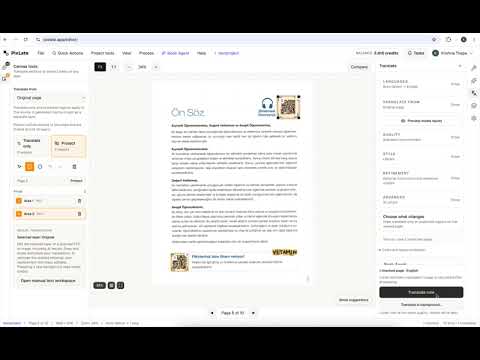 54 sec
Mask regions for precise image translation
Learn how to mask areas you want to keep unchanged.
Watch on YouTube (opens in a new tab) 1 min 3 sec
Translate in the background and save money
See how background translation works before trying it yourself.
Watch on YouTube (opens in a new tab)