翻译 PDF 和图片,保留原始版式。
项目默认保存在您的设备上。AI 功能会发送所选内容进行处理;PDF 工作流程也可能发送提取的文本和源 PDF。
1 / 8
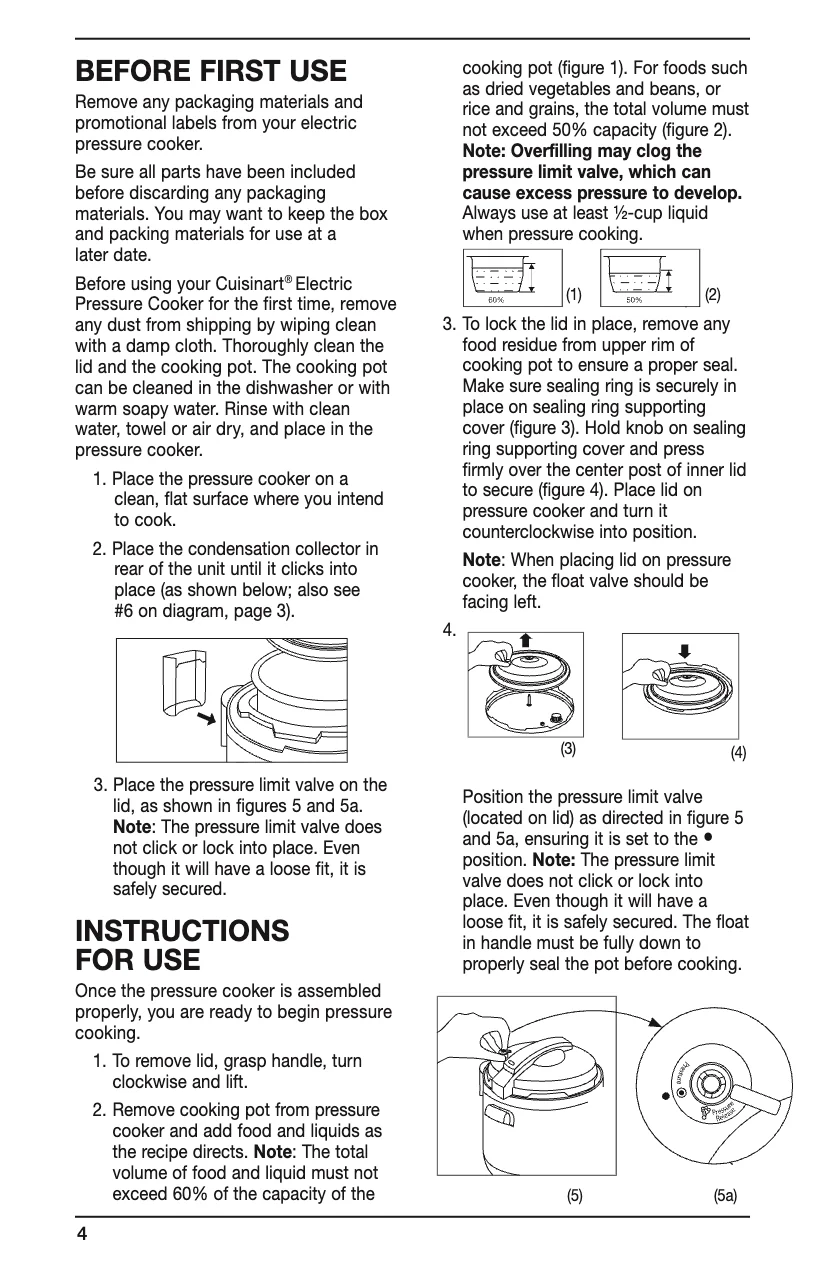
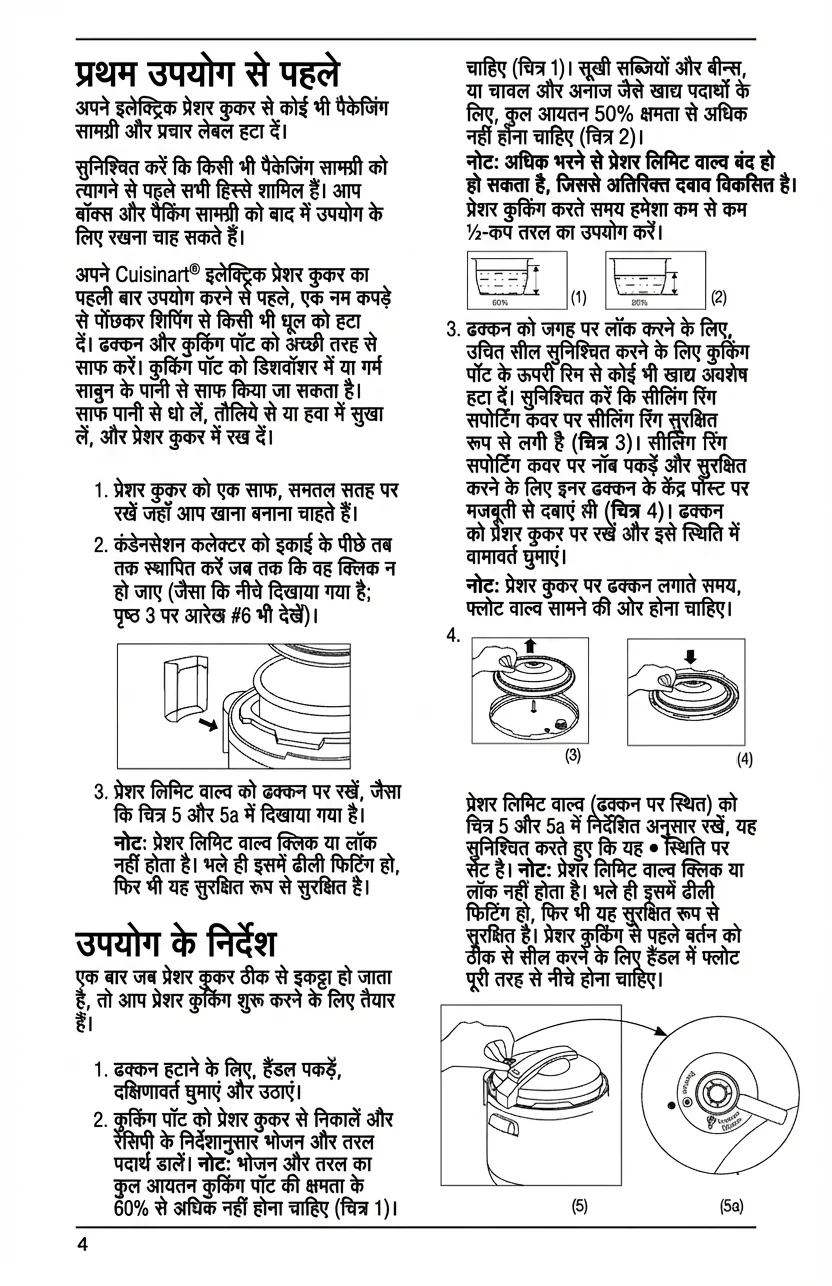
🇬🇧Original (English)
Use Cases
Where PixLate works best
PDF documents, scanned pages, and images with text inside the artwork or layout.
Browse scenarios
Switch between common page types to see where PixLate preserves the layout and still leaves room to review.
Active Preview
Children's Books
1 / 8
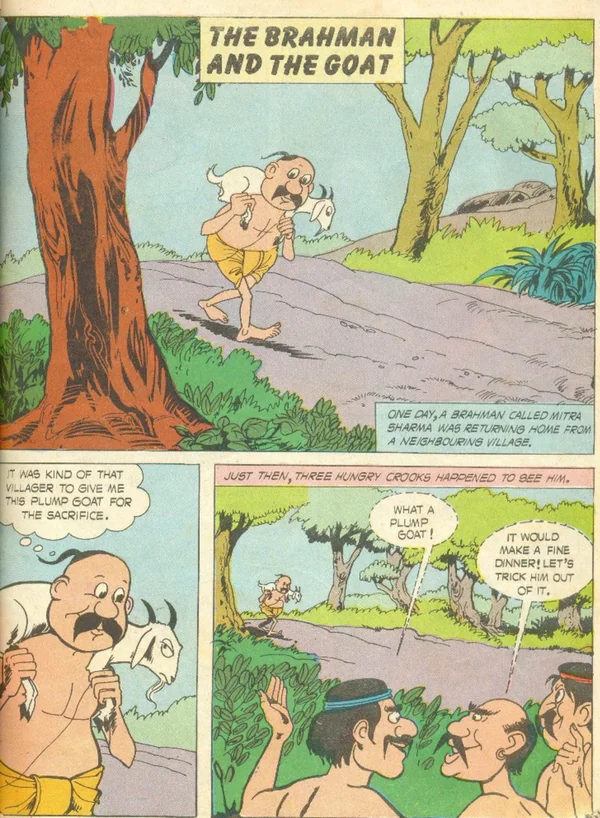
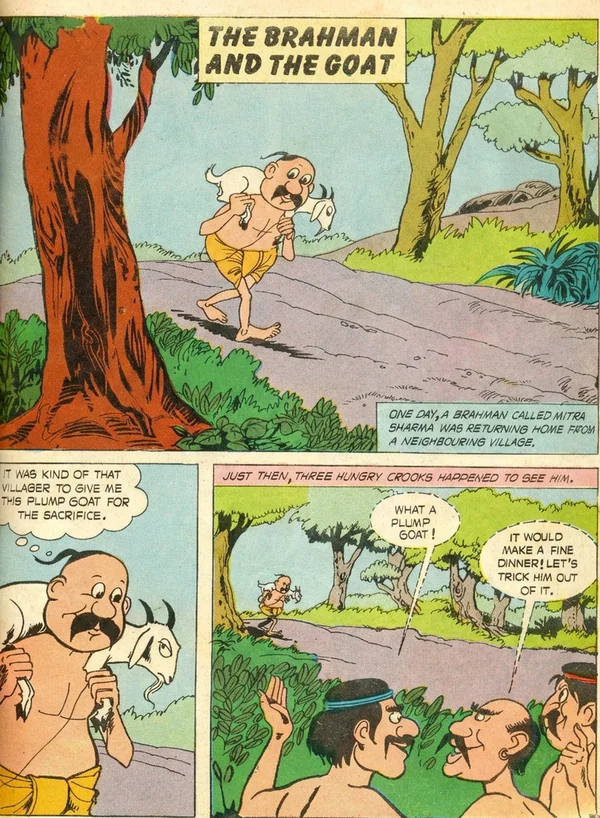
🇬🇧Original (English)
Translate illustration-led pages, then review the output before you export it for reading.
Explore Children's Books工作原理
从原始文档到翻译成品,共四个步骤
01
上传
拖入 PDF、图片或漫画——单页或完整文档均可
02
清理
AI 改善扫描质量、对比度和瑕疵,同时保留页面内容
03
翻译
选择目标语言。AI 检测布局,翻译内容,并将文字以匹配的排版渲染回原位
04
导出
以 PDF 或图片格式下载——一次导出所有翻译语言
Common Questions
Everything you need to know about formats, storage, workflow, and file handling.
PixLate supports PDF, JPEG, PNG, and WebP. For PDFs with selectable text, Text Layer mode translates detected text boxes at lower cost and keeps translated text editable. Scanned, illustrated, or layout-heavy pages can use Visual AI instead.