PDFや画像を翻訳。元のレイアウトを維持。
プロジェクトは標準でお使いの端末に保存されます。AI機能は選択した内容を処理のために送信します。PDFの処理では、抽出したテキストや元のPDFも送信する場合があります。
1 / 8
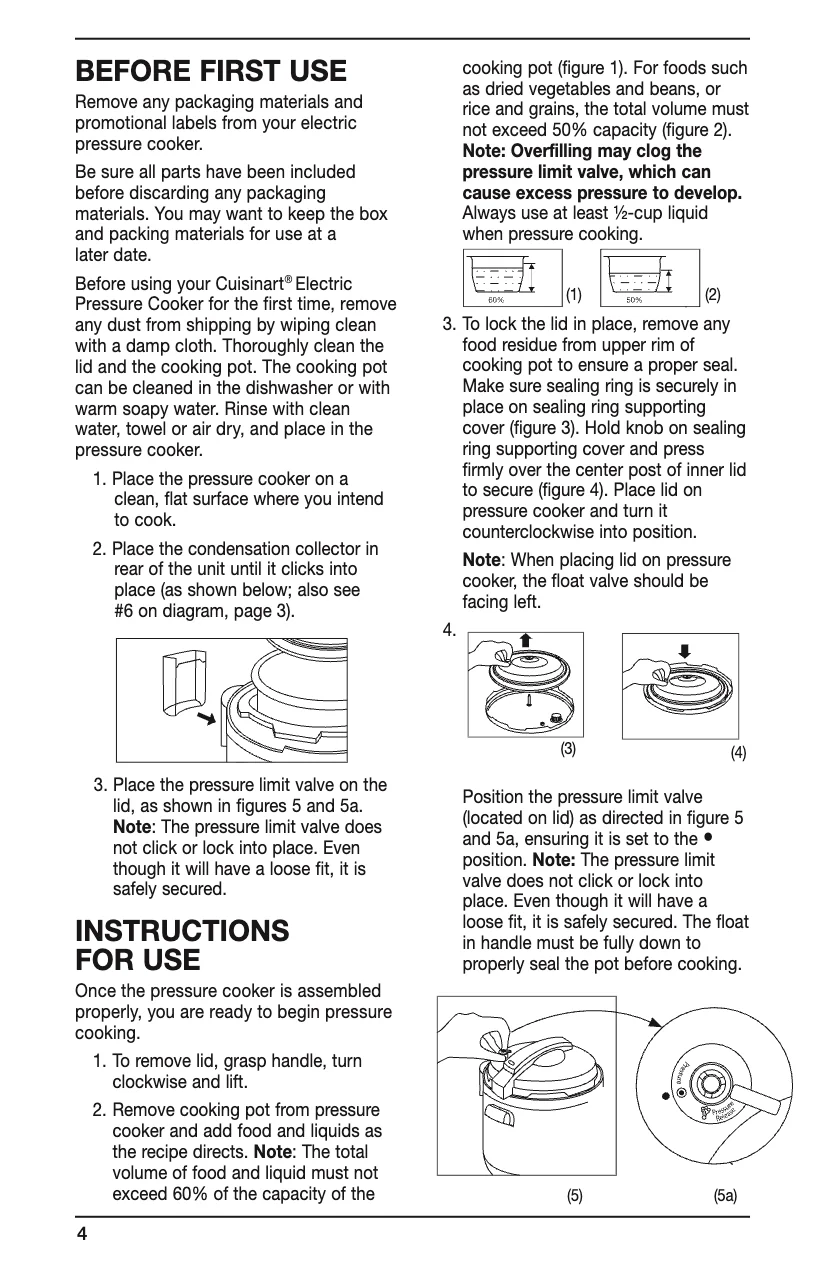
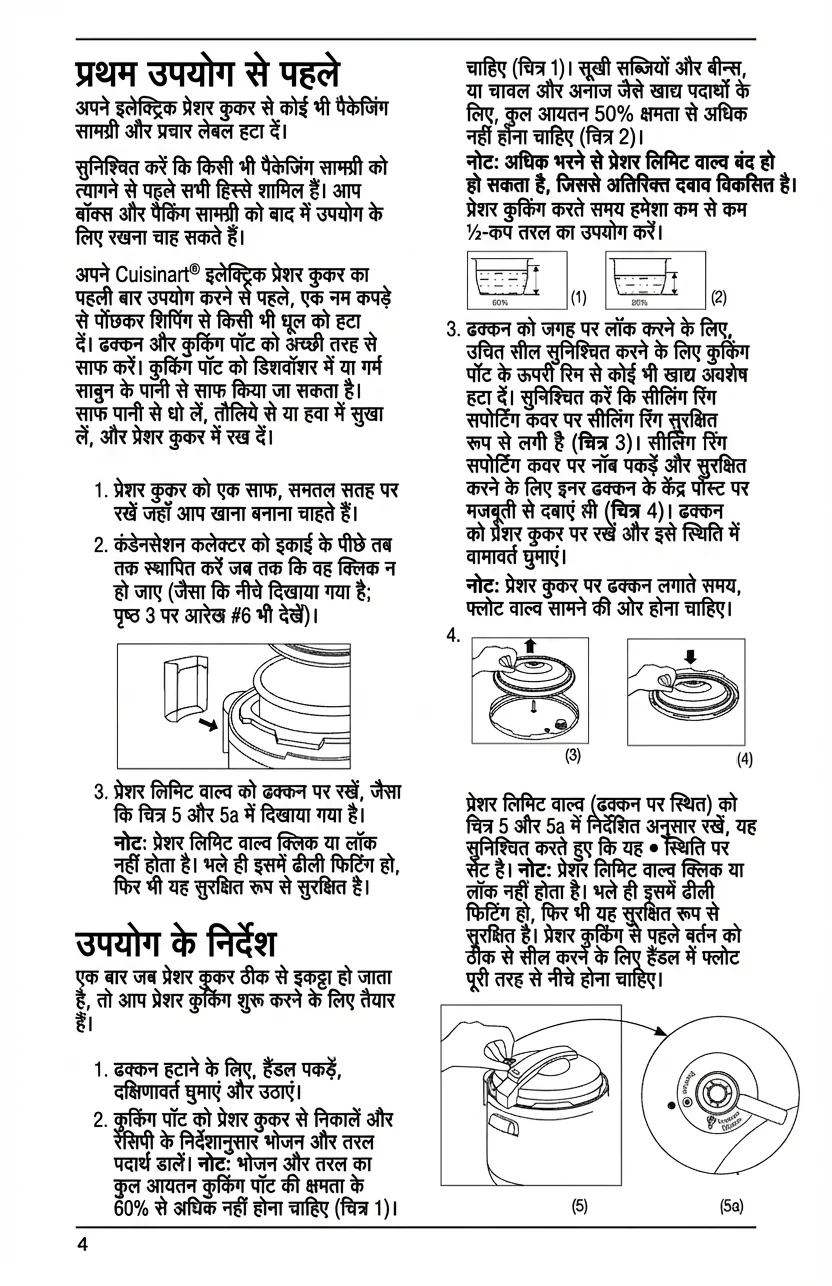
🇬🇧Original (English)
Use Cases
Where PixLate works best
PDF documents, scanned pages, and images with text inside the artwork or layout.
Browse scenarios
Switch between common page types to see where PixLate preserves the layout and still leaves room to review.
Active Preview
Children's Books
1 / 8
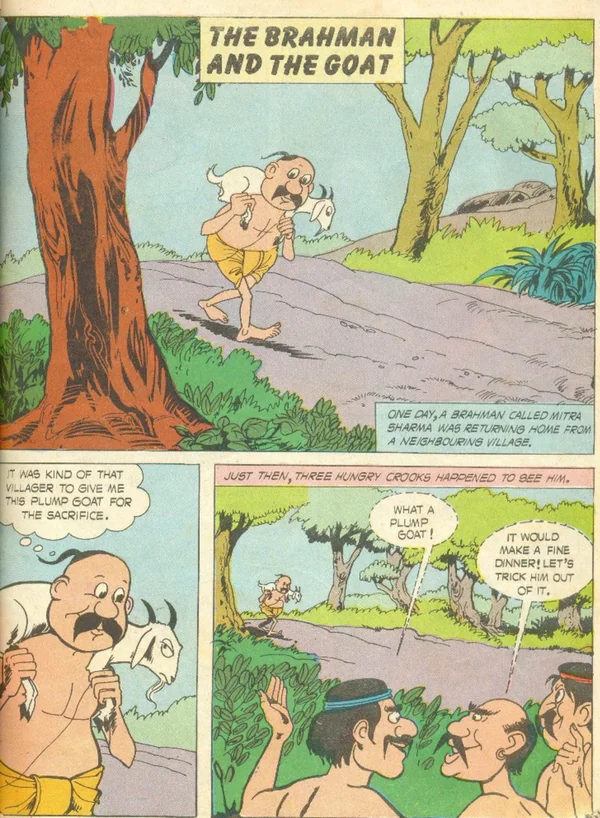
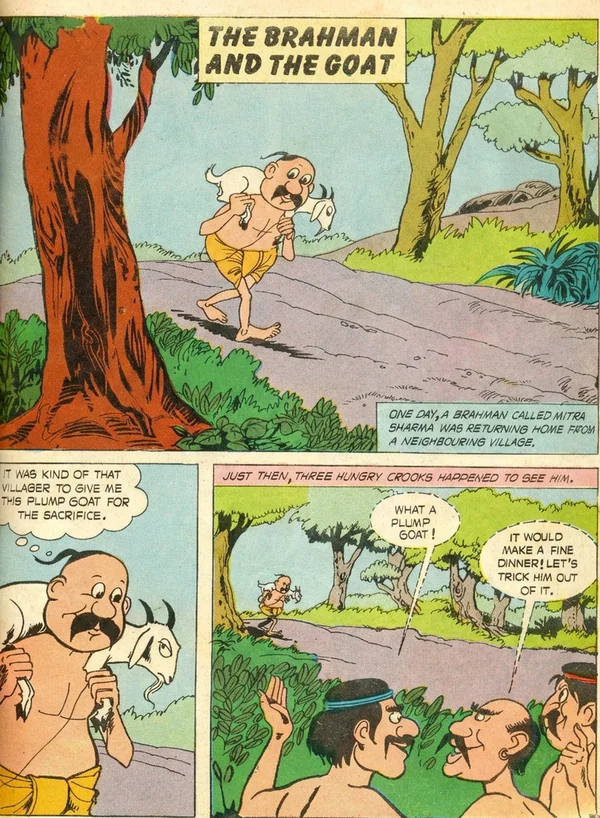
🇬🇧Original (English)
Translate illustration-led pages, then review the output before you export it for reading.
Explore Children's Books仕組み
原本ドキュメントから翻訳済み成果物まで4ステップ
01
アップロード
PDF、画像、またはコミックをドロップ — 単ページでも全ドキュメントでも
02
クリーンアップ
AIがページ内容を保持したまま、スキャン品質、コントラスト、ノイズを改善します
03
翻訳
対象言語を選択。AIがレイアウトを検出し、翻訳してテキストをマッチするタイポグラフィで元の位置に配置します
04
エクスポート
PDFまたは画像としてダウンロード — すべての翻訳言語を一度にエクスポート
Common Questions
Everything you need to know about formats, storage, workflow, and file handling.
PixLate supports PDF, JPEG, PNG, and WebP. For PDFs with selectable text, Text Layer mode translates detected text boxes at lower cost and keeps translated text editable. Scanned, illustrated, or layout-heavy pages can use Visual AI instead.