How to translate a scanned PDF
Translate scanned documents with a visual workflow, improve poor scans when needed, and review the translated pages before PDF export.
By PixLate · Updated
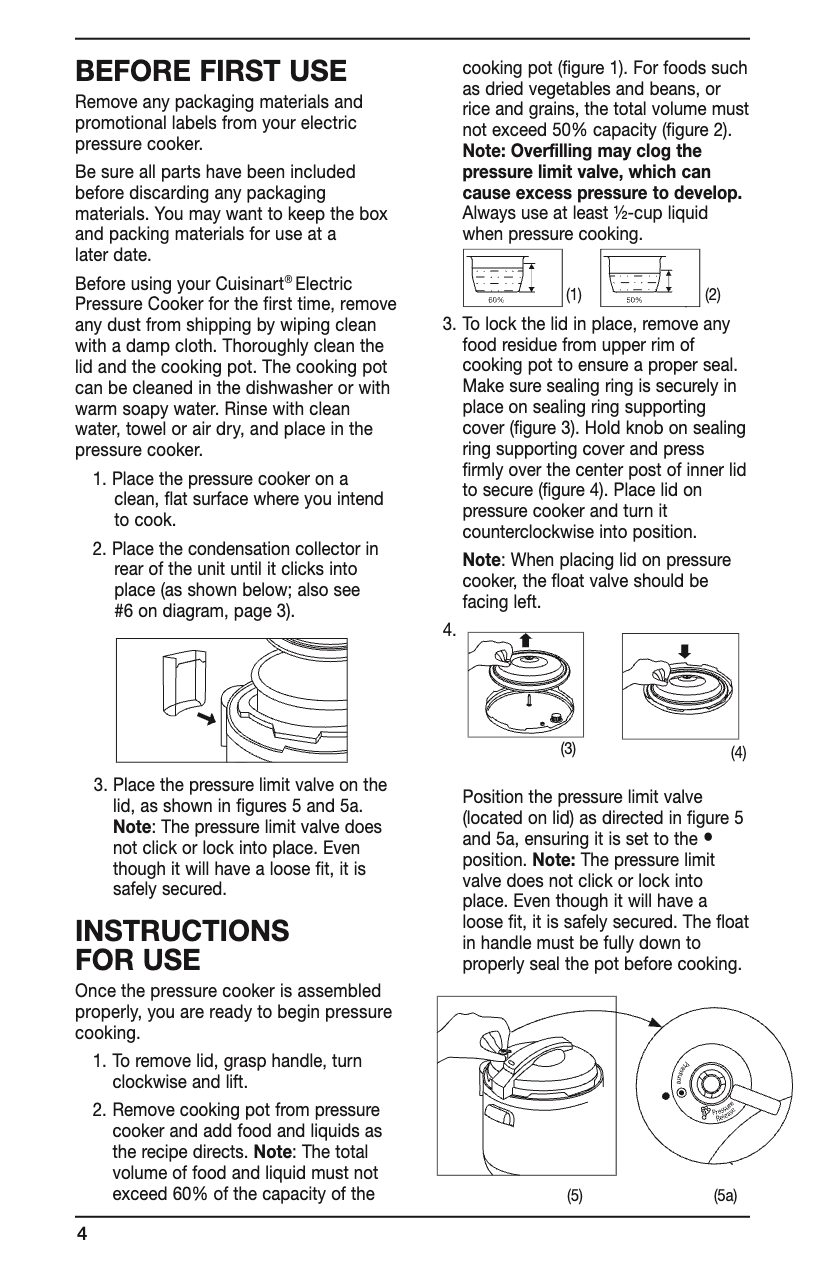
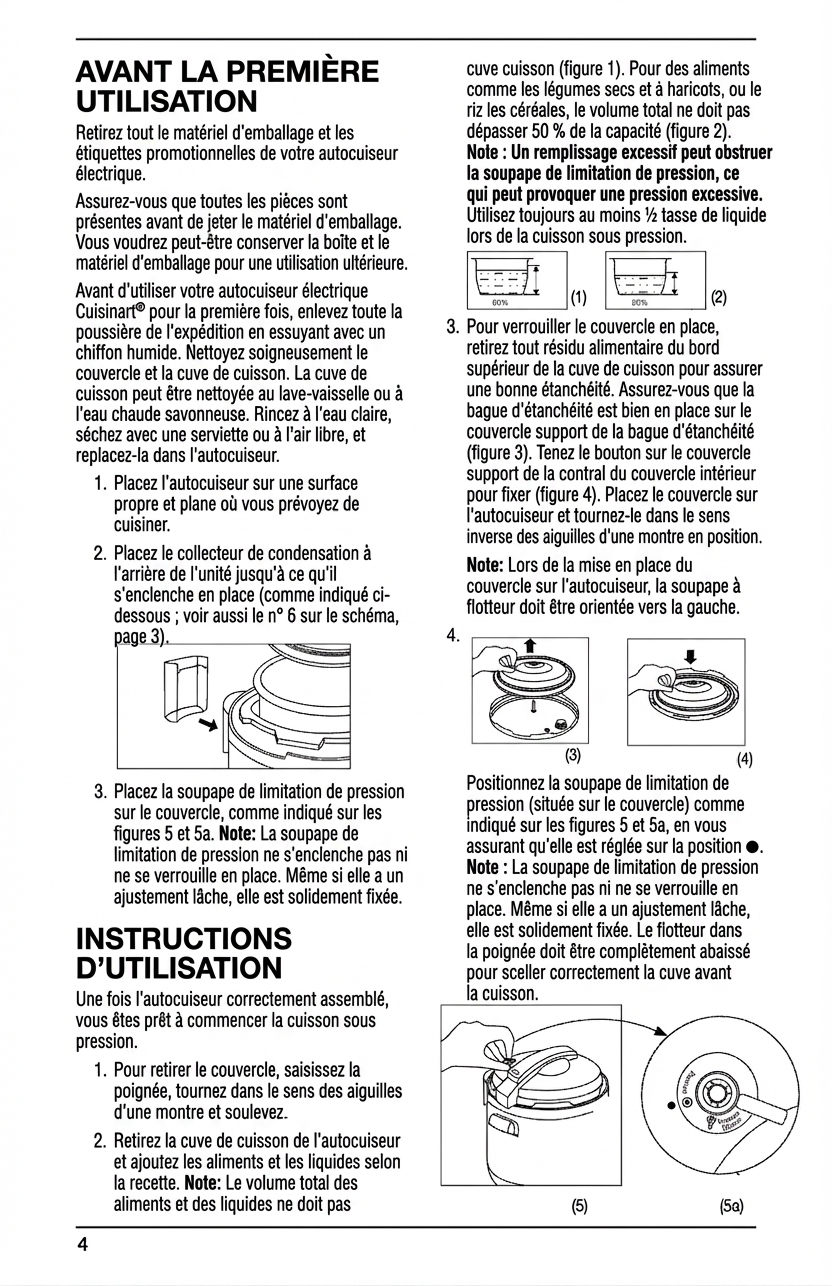
Why a scanned PDF needs a different workflow
A scanned PDF stores a picture of each page. The letters may look clear to a reader without existing as usable PDF text. Some scans include an OCR layer, but that layer can have recognition mistakes or incorrect reading order.
A plain text translation can help you understand the words, but it does not automatically put them back beside the original diagrams and illustrations. If you need a translated document with the visual layout retained, use a page-based translation workflow.
Prepare a readable page
Check for cropped lines, rotation, shadows, faint printing, and small text. Use the clearest source you have. No translation workflow can reliably recover words that are missing from the scan.
Import the PDF in PixLate and start with a representative page. Cleanup is optional: use it when scan quality needs improvement, then compare the cleaned version with the original. Clear scans can go directly to translation.
Translate and compare
Choose Visual AI and your target language, check the estimate, and run translation on the selected page. Inspect the result alongside the original. Read small labels and captions as well as the main paragraphs.
Correct wording or rerun the relevant operation when needed. For repeated names or terminology, provide translation context and inspect consistency across pages. A successful first page is useful evidence for proceeding, but each page still needs review.
Export the result you actually need
Export the reviewed result as a PDF or images. Visual AI output is image-based: a PDF container does not itself make the translated text searchable or selectable.
If your scan has a usable text layer and selectable output is important, evaluate Text Layer on a sample page instead. Inspect the extracted text before translating; a poor OCR layer can be less useful than a good visual source.
Common problems to catch early
If characters are misread, improve the source or correct the recognized wording. If longer translations crowd a region, edit the layout and check the export at full size. If a table is dense or labels are tiny, test that page before committing to a larger batch.
Keep the original available during review. A translated safety manual, legal document, or other consequential material needs qualified review; a visually similar page is not proof of an accurate translation.